Build your store
Page builder without coding — drag, drop, and publish
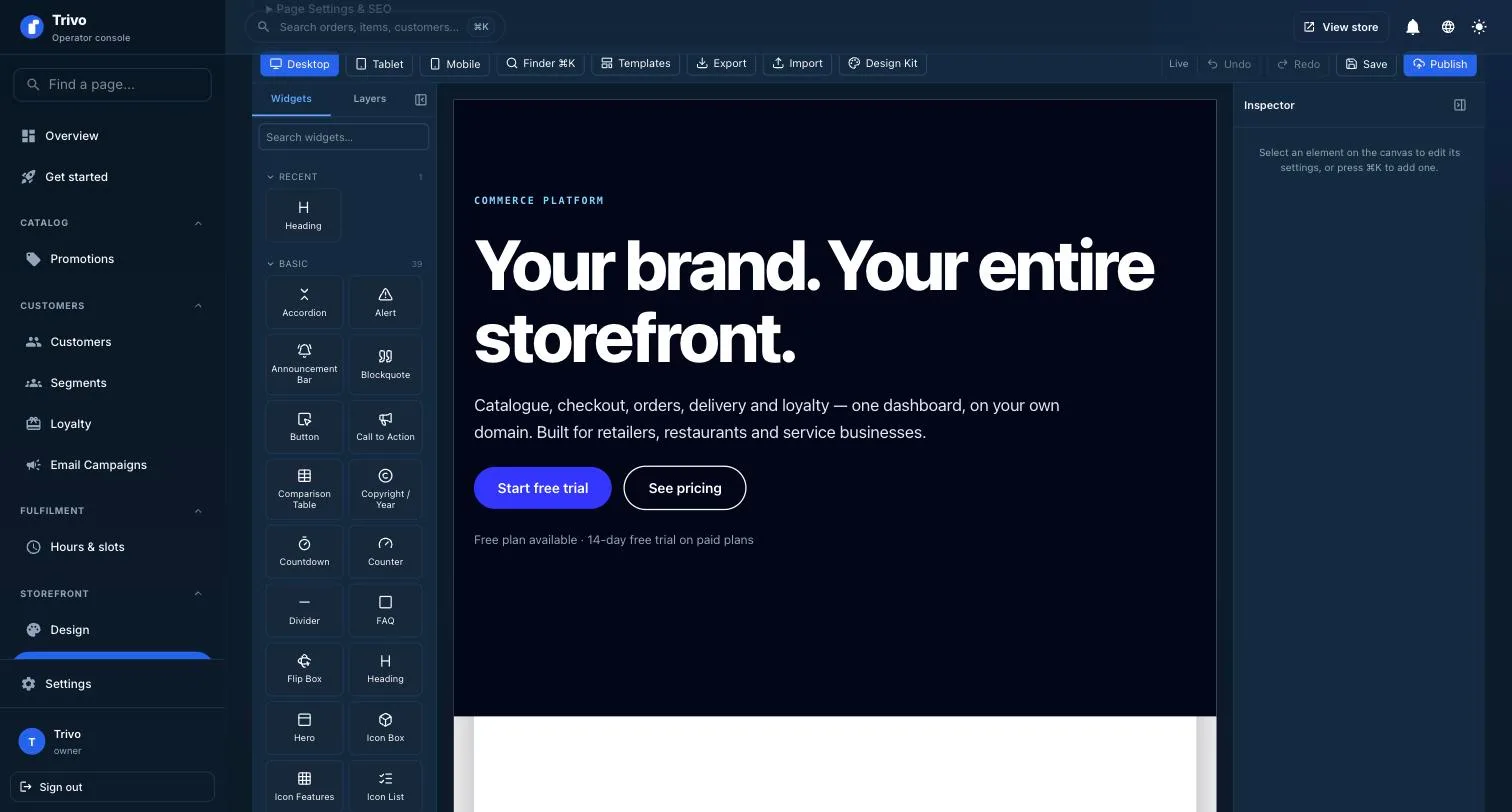
A visual builder with 78 widgets, per-device layouts and reusable sections. Build the pages your business needs without a theme file or a developer.
Capabilities
Drag and drop page design
Drag, drop, done
Pick from 78 widgets — headings, galleries, sliders, forms, product loops, FAQs, pricing tables — and arrange them on a live canvas. What you see while editing is what the storefront renders.
Responsive design for mobile and desktop
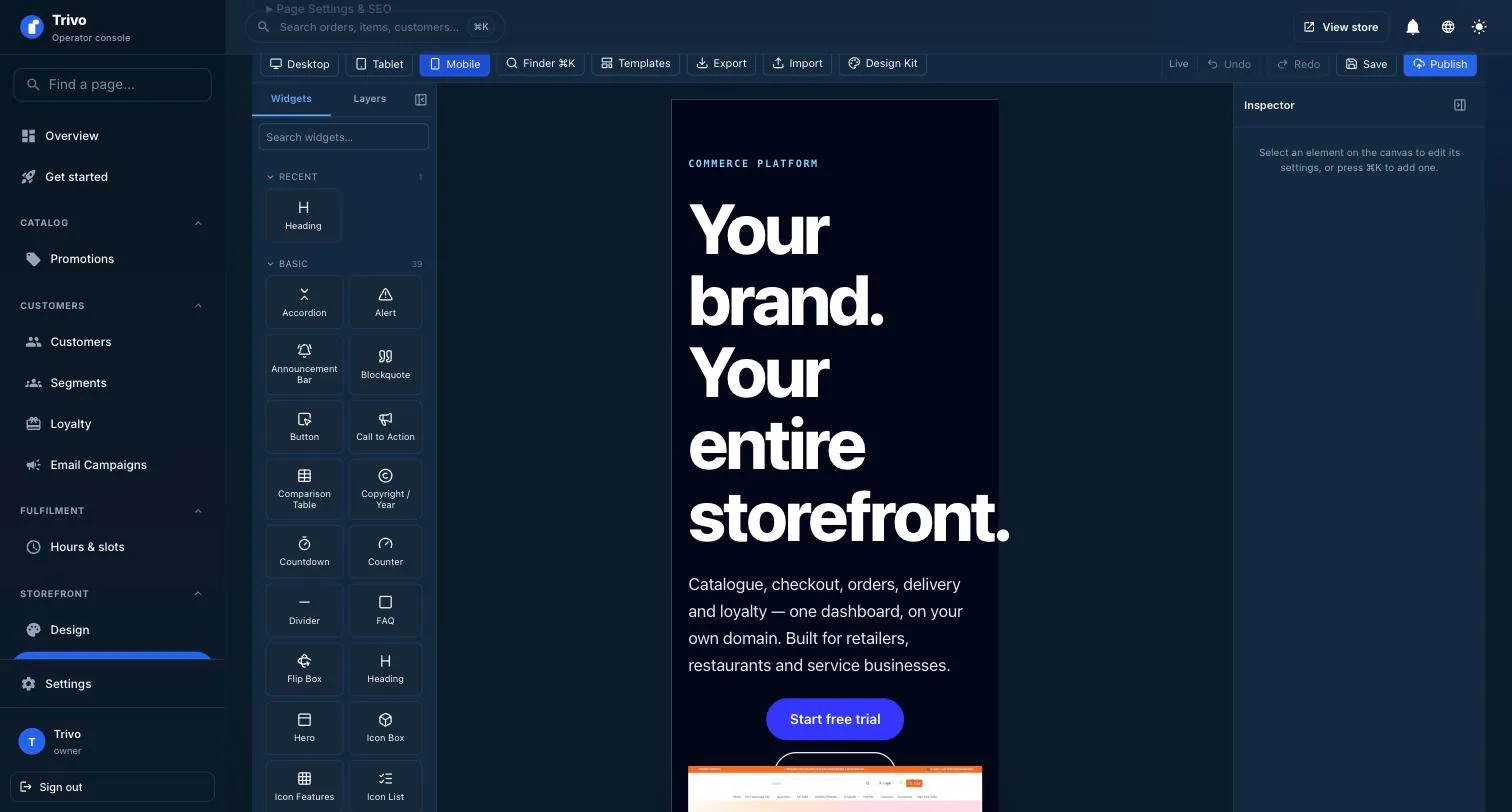
Switch between desktop, tablet and mobile and set layout, spacing and type per device. Rows stack automatically on phones unless you say otherwise.
Custom header and footer templates
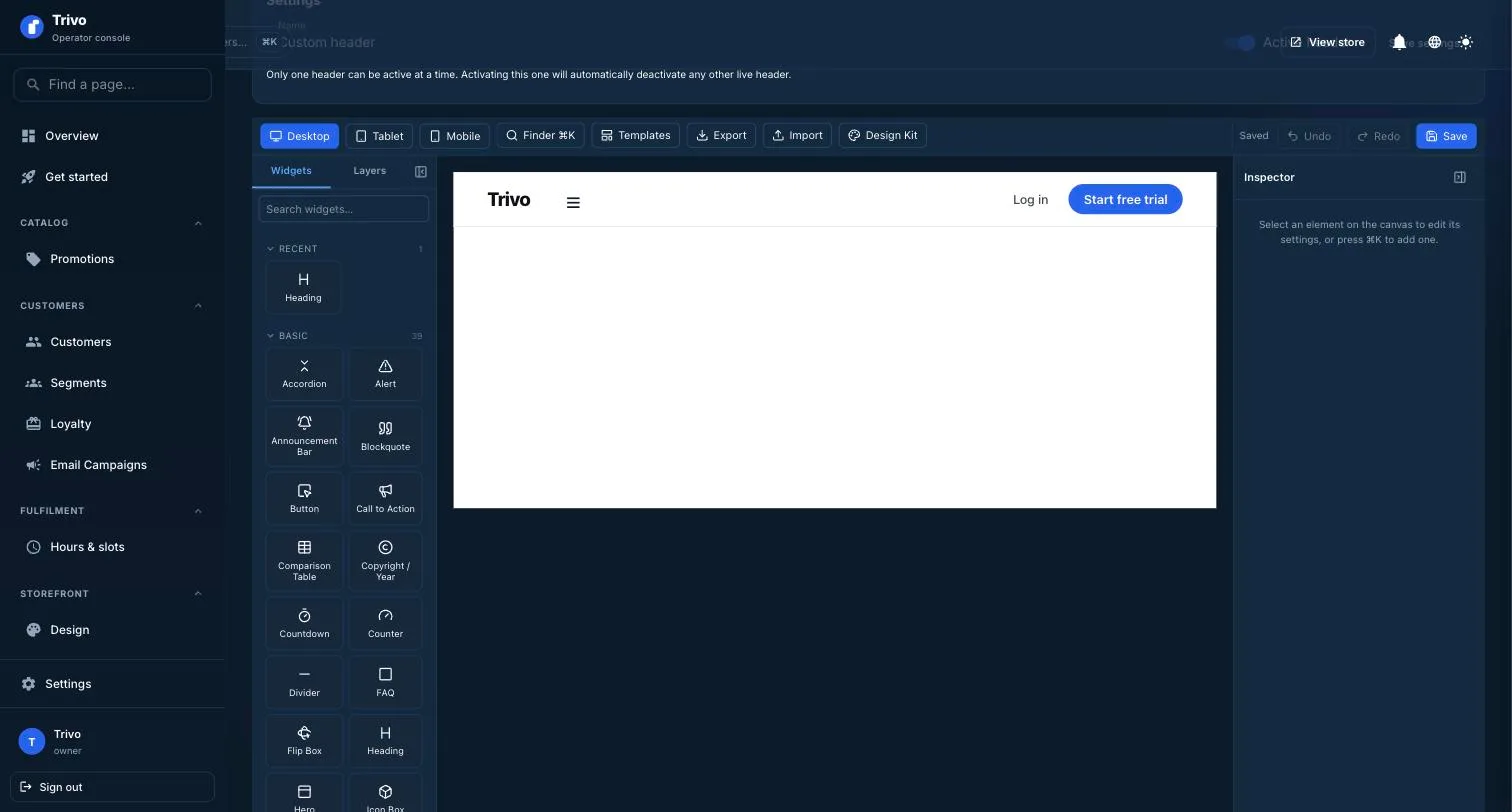
Build the site chrome as theme parts. Navigation, calls to action and footer columns are yours to shape rather than a fixed template you work around.
Widget drag drop interface
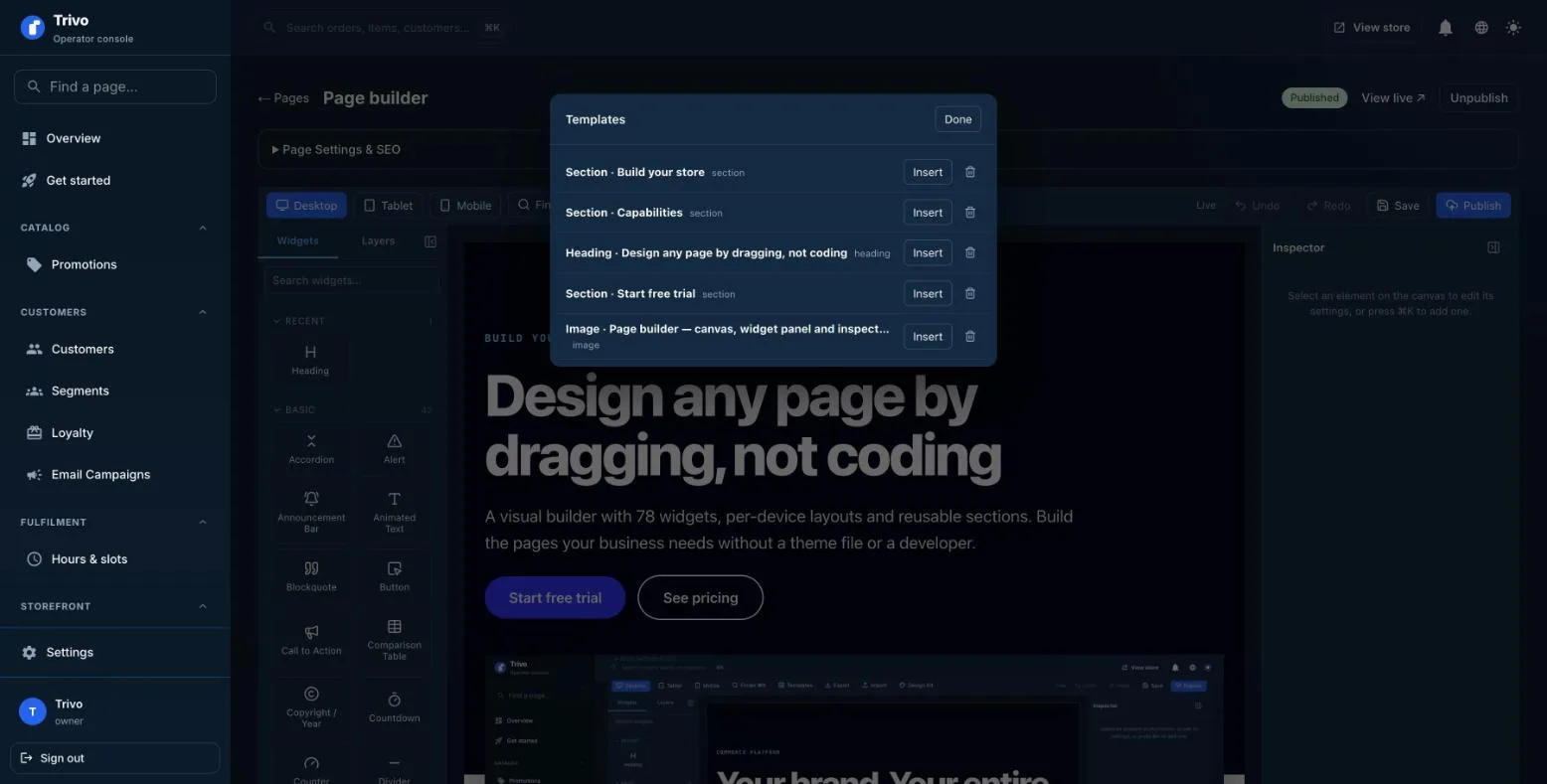
Save a section as a template and drop it into any page. Export a page as JSON and import it into another store.
Getting started
Up and running
01
Open the builder
Every page in your store opens in the same editor.
02
Lay out the page
Drop in widgets, then set spacing, colour and type.
03
Publish
Your draft goes live only when you choose to publish it.
Works with
Better together
Design kit
Shared colour, type and spacing tokens so pages stay consistent.
Themes
Start from a preset and make it yours.
SEO tools
Per-page titles, descriptions and structured data.
FAQ
Questions
Do I need to know CSS?
No. Every control is visual — spacing, colour, type and layout are all pickers and sliders.
Can I edit on mobile layouts separately?
Yes. Each control can hold a different value per device.
What happens to my work if I make a mistake?
Saving writes a draft. The live page only changes when you publish.